What to Look for in a Video Editor for Social Media Content
Social video editors help content creators turn raw footage into polished short videos optimized for platforms like Instagram, TikTok, YouTube Shorts, and Facebook. They combine features like editing, color correction, animated text, music licensing, and aspect ratio presets into intuitive user interfaces, allowing users to create eye-catching posts—ranging from quick, template-based editors to more advanced platforms for creators who want greater control. For users who post frequently, the right editor speeds up the workflow and ensures a consistent look across all platforms.
When choosing an editor, the speed of the workflow, export formats, and platform-ready templates are key; but the most crucial factor is whether the tool balances powerful editing features with fast, repeatable workflows for mobile devices and desktop PCs. Other key factors include supported aspect ratios, built-in audio and licensed music, performance on the user’s device, as well as pricing or subscription limitations that affect uploading and rendering. This guide evaluates usability, template quality, and the reliability of results to recommend editors suitable for everyone—from casual creators to advanced users.
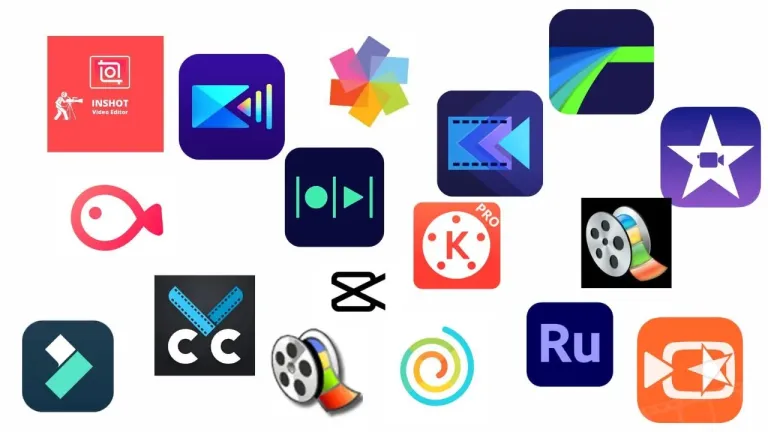
10 Best Video Editors for Social Media Content
Below is a carefully curated list of the best video editing programs for creating social media content, selected based on ease of use, platform-specific export options, and support for mobile devices and desktop computers. Each option is suitable for different skill levels and content goals, ranging from quick vertical clips to sophisticated multi-track edits.
#1: Adobe Premiere Pro
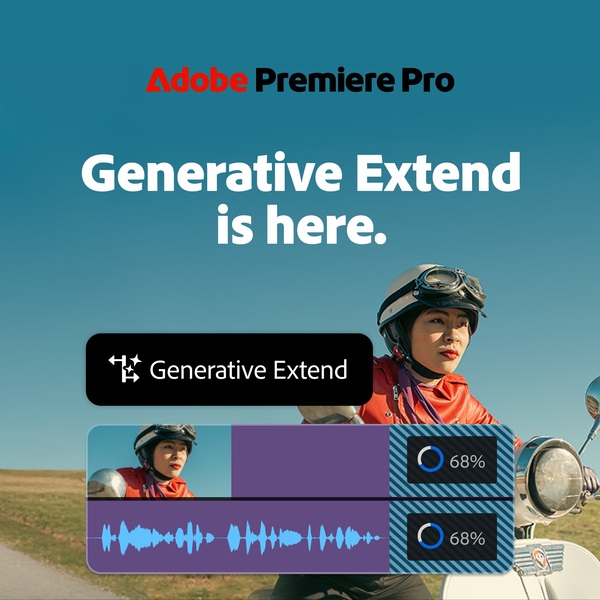
Adobe Premiere Pro is a powerful solution for creatives who want professional control over the production of social media content. Thanks to timeline-based editing, you can effortlessly trim clips, rearrange scenes, and fine-tune cuts, transitions, titles, graphics, and visual effects to create professional, platform-optimized videos. With flexible export settings, creatives can quickly adjust the aspect ratio to vertical, square, or widescreen formats for Instagram, TikTok, YouTube, and other platforms.
Highlights
- Industry-standard editing for high-quality, social media-ready videos
- Timeline-based workflow for precise trimming, sequencing, and transitions
- Advanced color correction and LUT support for enhanced visual style
- Professional audio tools with voiceover synchronization
- Flexible export and aspect ratio settings for various social media platforms
The software includes advanced color correction and grading with LUT support, professional audio editing with audio synchronization for voiceovers, and stabilization tools to smooth out handheld footage. Timelines for multiple clips help streamline more complex edits, while built-in templates, tutorials, Adobe Stock assets, and Frame.io integration simplify collaboration and feedback within Creative Cloud.
2: Adobe Express
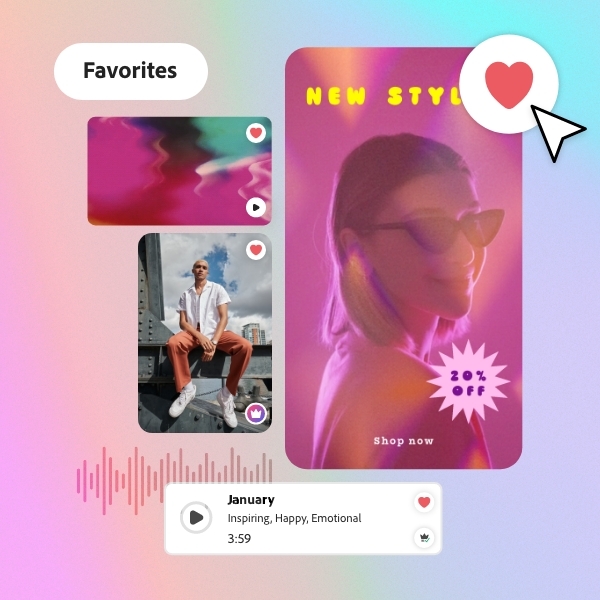
Adobe Express makes creating videos for social media a breeze—thanks to intuitive drag-and-drop tools that let you combine clips, graphics, music, and text in just a few minutes. The platform was designed specifically for quick, shareable content and streamlines editing with customizable templates, animations, and automatic resizing using preset aspect ratios tailored to platforms like Instagram, TikTok, Facebook, and YouTube—so your videos are always perfectly formatted without the need for additional manual adjustments.
Highlights
- Drag-and-drop video creation with customizable templates
- One-click resizing and preset aspect ratios for social platforms
- Automatic captions, filters, transitions, and audio tools
- Batch editing, self-recording, and direct publishing
- Content scheduler for planning and publishing videos
The built-in editor supports batch editing, screen recording, and direct export, while features like automatic captions, filters, transitions, and speed control help you quickly refine your content. You can trim, shorten, split, or mute clips, add voiceovers or audio from Adobe Stock, and schedule posts with the Content Scheduler—making it a flexible all-in-one solution for efficient video creation and seamless publishing across multiple social channels.
#3: Apple Final Cut Pro
Apple Final Cut Pro is a powerful video editing solution for creatives who want to achieve professional results while maintaining a fast, efficient workflow for producing both social media and long-form content. Known for its magnetic timeline and optimized performance on Apple hardware, it enables editors to quickly organize clips, make precise cuts, and create sophisticated projects—from social media videos to full-scale productions. The user interface combines simplicity with depth, making it easily accessible to new users while offering the advanced tools professionals expect.
Highlights
- Magnetic timeline for fast, precise editing
- Advanced color correction and multi-camera support
- Optimized performance for smooth, high-quality workflows
With features such as advanced color correction, multi-camera editing, motion graphics integration, and powerful rendering, Final Cut Pro supports efficient editing without limiting creative control. Smooth playback, powerful media management, and flexible export options make the software a reliable choice for filmmakers, content creators, and video professionals who want to efficiently produce high-quality content.
#4: Camtasia Starter
Camtasia Starter is user-friendly video editing software designed specifically for beginners and creatives who want to create professional-looking videos without a steep learning curve. Thanks to an intuitive drag-and-drop interface, you can easily trim, split, and merge clips, add transitions, annotations, and music, and export your videos in high-quality formats. Whether you’re creating tutorials, presentations, or social media content, Camtasia Starter makes the editing process simple and efficient.
Highlights
- Intuitive drag-and-drop interface for easy editing
- Built-in screen recording and webcam capture
- Ready-to-use templates and assets for quick video creation
Beyond basic editing, Camtasia Starter offers features such as screen recording and webcam capture, making it ideal for instructional videos or product demos. The library of templates and assets allows users to quickly enhance their content, while the timeline editor ensures precise control over every clip. With simple yet powerful tools, even beginners can create professional videos suitable for online publishing or professional presentations.
#5: Avid Media Composer
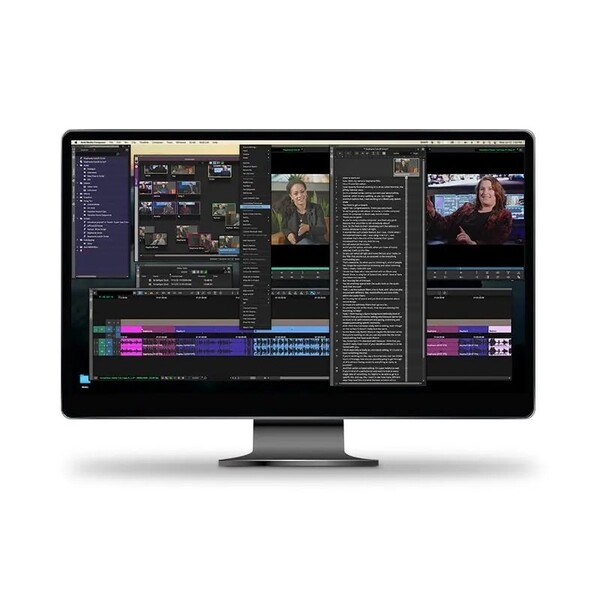
Avid Media Composer is a professional editing platform known for its precision and media management tools. Although it is traditionally used in the film and television industries, it is also utilized by experienced creatives and production teams who manage large volumes of brand-related or serialized social media content, where organization and collaboration are critical.
Highlights
- Industry-standard editing tools for professional productions
- Advanced media management and collaborative workflows
- Powerful features for color grading, audio editing, and visual effects
The software also includes sophisticated features for color grading, audio editing, and visual effects, allowing creatives to refine every detail without leaving the platform. With customizable workspaces and industry-standard tools, Avid Media Composer supports efficient editing workflows from rough cut to final delivery, making it a proven choice for professionals seeking reliability and creative flexibility.
#6: VEGAS Pro
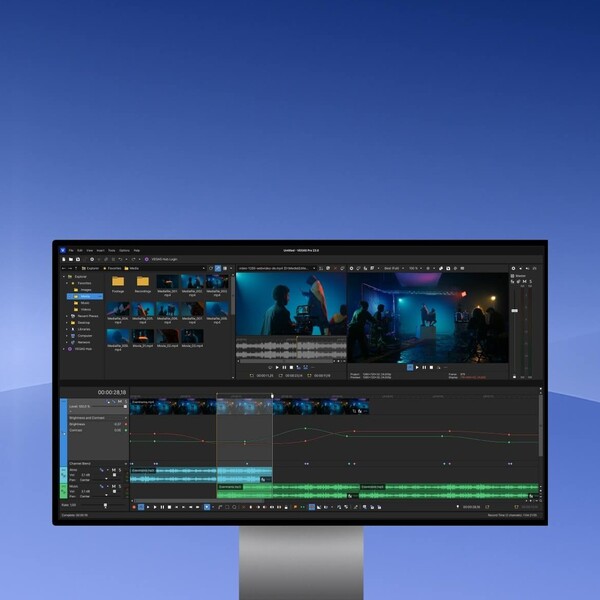
VEGAS Pro is a versatile editing software that’s ideal for creatives looking to move from entry-level tools to more advanced features. It offers a flexible timeline workflow without sacrificing speed. The software features intuitive editing tools, including drag-and-drop functionality, multi-track editing, and seamless support for a wide range of video formats. With VEGAS Pro, you can effortlessly create professional videos—from YouTube content to cinematic projects—without compromising on speed or control.
Highlights
- Intuitive, timeline-based editing with multi-track support
- Advanced tools for color correction, audio, and motion graphics
- GPU-accelerated performance for fast real-time previews
In addition to core editing features, VEGAS Pro includes advanced tools for color correction, motion graphics, and audio editing. Real-time previews and GPU-accelerated performance help streamline the editing process, while built-in templates and effects allow users to quickly enhance their videos. Whether you’re a beginner or an experienced editor, VEGAS Pro gives you the tools to bring your creative visions to life.
#7: Wondershare Filmora 15\
Wondershare Filmora 15 is a beginner-friendly video editor designed for creatives who want to quickly create engaging content for social media without needing advanced technical skills. Thanks to its intuitive drag-and-drop interface, users can easily trim, split, and merge clips, add transitions, overlays, and music, and export videos in various formats. Filmora 15 streamlines the editing process, enabling the quick creation of engaging content for social media, presentations, or personal projects.
Highlights
- User-friendly drag-and-drop interface for quick editing
- AI-powered tools and effects for professional-looking results
- Extensive library of templates, overlays, and motion graphics
Beyond basic editing, Filmora 15 offers a wide selection of effects, templates, and motion graphics, as well as tools for color correction, audio enhancement, and screen recording. Its AI-powered features, such as automatic framing and Smart Cut, help save time while delivering professional-quality results. With Filmora 15, users can efficiently produce high-quality videos without needing advanced technical knowledge.
#8: Canva Pro
Canva Pro is a versatile online video editor that is particularly popular among marketing professionals, small teams, and creatives who produce social media content with short turnaround times. Thanks to its drag-and-drop interface, users can easily trim clips, add transitions, text, music, and animations, and export videos in various formats. Canva Pro is ideal for social media content, presentations, marketing videos, or personal projects, offering a smooth and efficient editing experience.
Highlights
- Drag-and-drop editing with transitions, text, and music
- Access to extensive templates, stock media, and effects
- AI-powered tools and collaboration features for an efficient workflow
In addition to basic editing features, Canva Pro offers access to a vast library of templates, stock media, music, and visual effects, allowing users to quickly and creatively enhance their videos. Features such as Brand Kits, AI-powered editing, and collaboration tools make it easier to maintain consistency and work as a team. Canva Pro enables creatives to produce professional, engaging videos without requiring advanced technical knowledge.
#9: PowerDirector 365
PowerDirector 365 is a powerful video editing software designed for both beginners and advanced users, offering a comprehensive range of tools for creating professional-quality videos. The intuitive timeline editor makes it easy to trim, split, and overlay clips, supporting a wide variety of formats and resolutions. With PowerDirector 365, users can create high-quality videos for social media, presentations, or film projects in no time.
Highlights
- Intuitive timeline editor with support for numerous formats
- Advanced features: motion tracking, 360° editing, and color correction
- Extensive templates, effects, and AI-powered editing tools
Beyond basic editing, PowerDirector 365 offers advanced features such as motion tracking, 360° video editing, color correction, and audio enhancement. The library of templates, effects, and transitions streamlines the creative process, while AI-powered tools speed up editing tasks. With cloud access and regular updates, PowerDirector 365 ensures that creators have the latest resources to produce high-quality, engaging content.
#10: Pinnacle Studio 26 Ultimate
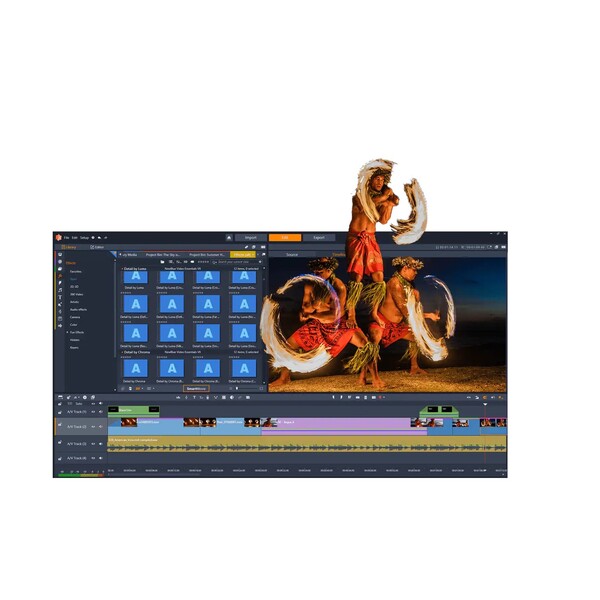
Pinnacle Studio 26 Ultimate is a feature-rich video editing software designed for creatives who want advanced features combined with a user-friendly workflow. It offers unlimited tracks, precise keyframing, motion tracking, and powerful color correction tools, allowing users to create detailed edits with full creative control. The user interface is designed to help you manage complex timelines while keeping the editing process smooth and intuitive.
Highlights
- Unlimited tracks with advanced editing and color tools
- Motion tracking, masking, and multi-camera support
- Extensive effects library and built-in screen recording
In addition to core editing features, Pinnacle Studio 26 Ultimate offers video masking, multi-camera editing, screen recording, and a wide selection of effects and transitions to enhance your projects. Thanks to support for high-resolution footage and performance optimizations, the software is ideal for everything from online content creation to cinematic productions.
Buying Guide
When choosing a video editing program for social media, user-friendliness should be your top priority. A clear, intuitive user interface reduces editing time and makes it easier to get started with workflows specifically designed for social media.
Pay attention to format and export options. Ensure that vertical and square aspect ratios, various codecs, and customizable bitrate settings are supported to meet the requirements of each platform.
Performance is crucial for efficiency. Look for hardware acceleration, proxy workflows, and stable timeline playback to edit high-resolution clips without frequent rendering.
Evaluate the feature set based on your intended use. Core features include trimming, multi-track timelines, color correction, audio mixing, motion graphics/templates, and tools for captions and subtitles. Advanced users may require keyframing, speed ramps, and mask effects.
Compatibility and integration affect your workflow. Verify operating system support, cloud project synchronization, and import/export compatibility with other apps or team tools. Collaboration features and project versioning help teams work together.
Consider pricing and licensing model. Compare subscription vs. one-time purchase, concurrent device limits, and additional costs for plugins or stock assets. Factor in free trials to test real-world workflows before committing.
Assess learning resources and support. Good documentation, tutorials, and responsive customer support shorten onboarding time. Community forums and template marketplaces also speed up production.
